
Free audio tools
What do you need to do with your song?
Find its BPM and key, compare audio, plan a set or consult a reference. Choose a task and open the tool. No account needed.
Use your own audio files. These tools do not identify songs by title or provide commercial music downloads.
Free resource
Find a song’s BPM and key
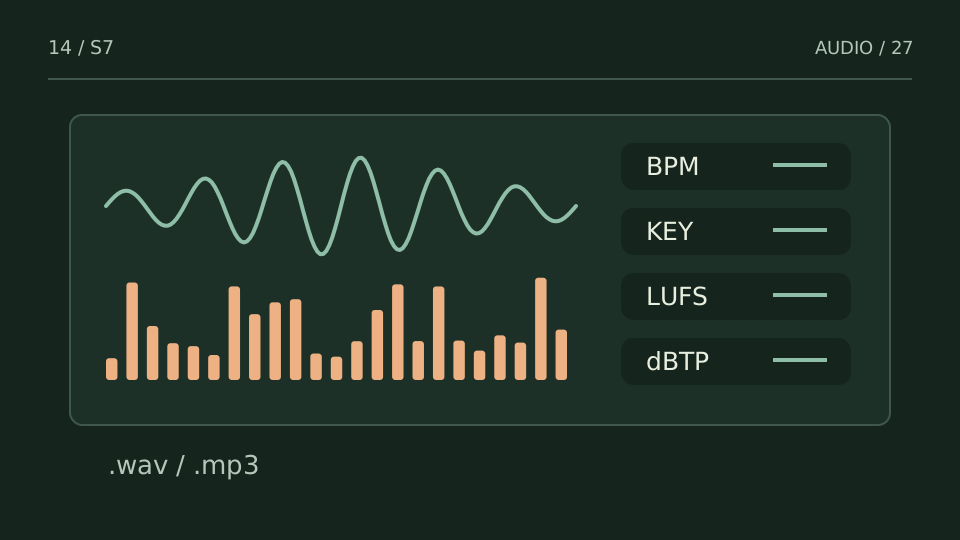
Open an audio file to estimate tempo and key, measure loudness and inspect its spectrum. Processing stays on your device.
Free resource
Put songs in a useful order
Compare tempo and key across local tracks, explore Camelot compatibility and print your set sheet.
Free resource
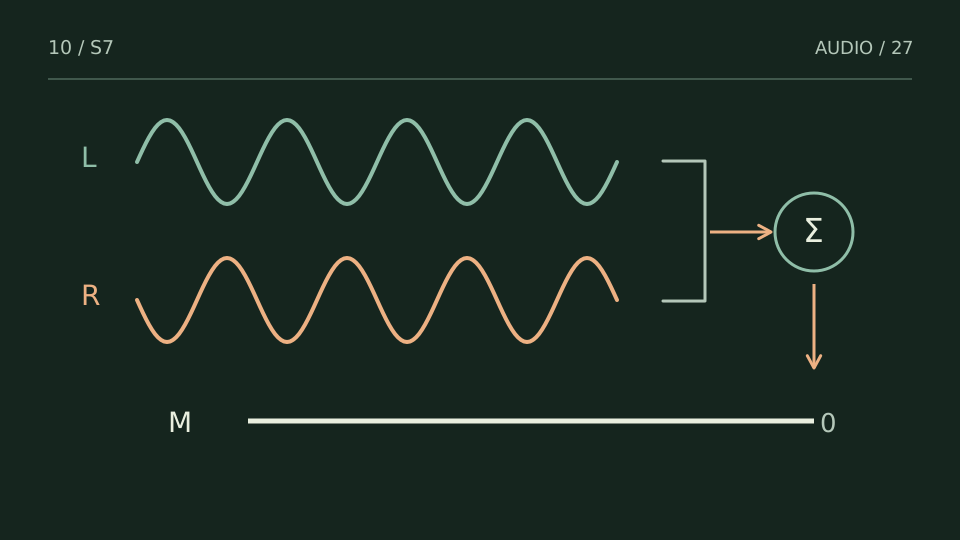
Check what changes in mono
Compare stereo and mono playback to spot parts that lose level or disappear. Interface in Spanish; listen alongside the measurements.
Free resource
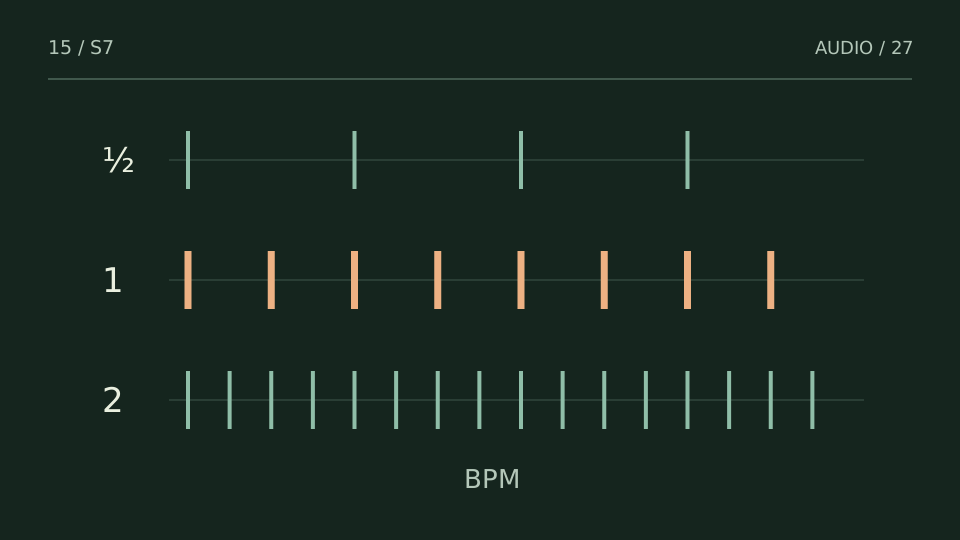
Choose a tempo by genre
Browse BPM reference ranges and production notes. Use them as a starting point, not a rule for every song.
Free VST3 listening examples
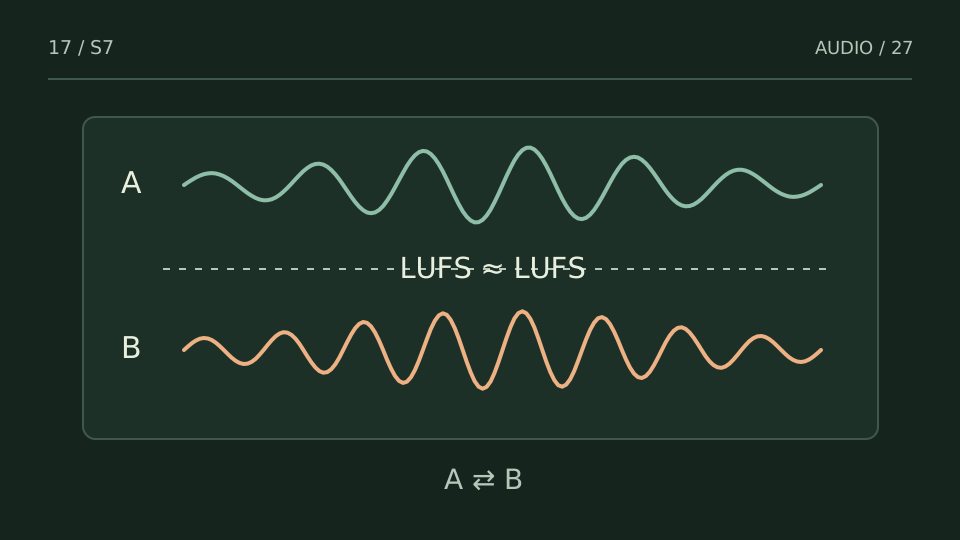
Compare original and processed audio
Hear original, level-matched A/B recordings rendered with the actual EUBULUS 1.0.1 VST3. These listening examples are not a DAW trial.
Free resource
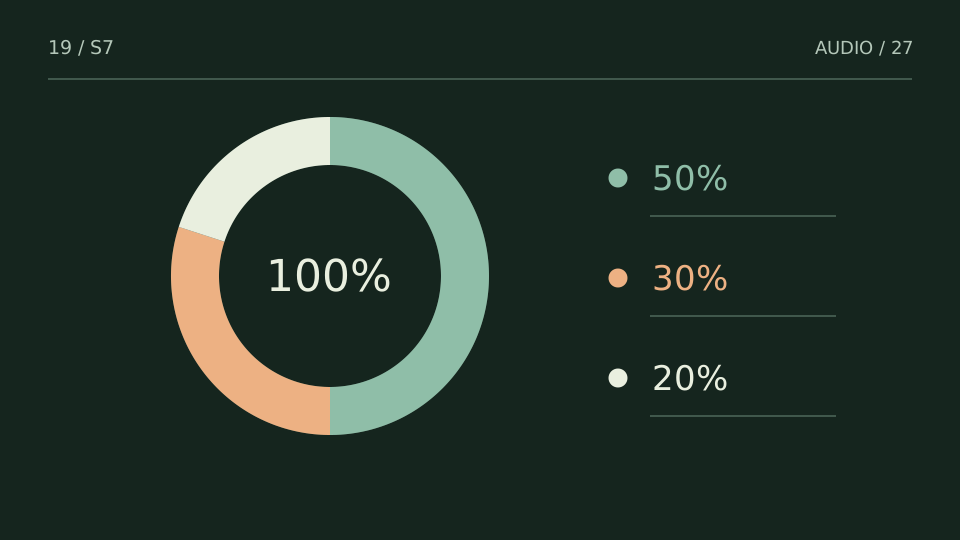
Write down composition shares
Put the agreed names and shares in a printable split sheet. Review the agreement with everyone involved.
Keep a reference at hand
Download the BPM reference PDF for offline use. No email or account required.
Free resource
Understand a mix problem
Find practical guides on loudness, stereo, vocal masking and file organization, with a next step for each task.
No exact match. Try BPM, key, mono or set, or show all tools.
Choose the right starting point
I have a song and need its BPM or key
Open the analyzer and select the audio file. BPM and key are estimates: check half or double tempo against the pulse you hear, and confirm key by listening. The BPM Index is for genre references, not identifying a particular file.
I need to find a mix or version on my computer
Music Catalog is the separate Windows application for organizing and listening to your local library. Its page explains features, compatibility and availability. Music Catalog →
Do I need to register or upload my audio?
The audio tools process your files in your browser. No registration is needed, and the PDF downloads directly, no email, no account. Desktop software and paid plugins have their own product terms.