The starting point
Measure the file you will actually use. A filename such as final.wav does not guarantee the latest render, and measuring a running session does not replace analyzing the export.
A practice case
The mix was correct; the export was not
Practice case: analysis reports an unexpected duration. Before investigating compression, check whether you exported a partial selection or an earlier version. Confirm filename, duration and the beginning of the audio.
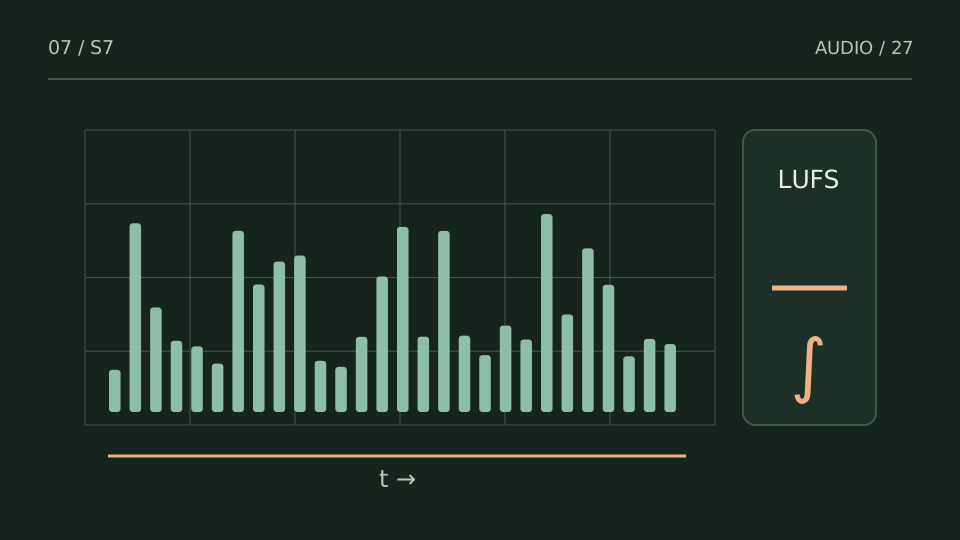
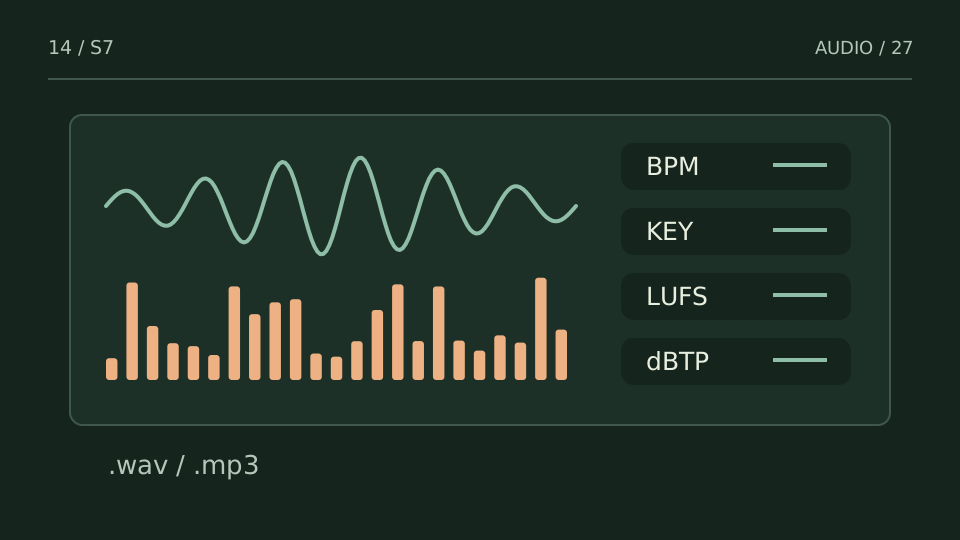
Then separate measurements from estimates. Loudness, peaks and spectrum describe file properties through a method; BPM and key infer musical characteristics. An uncertain key estimate does not invalidate every other reading. A good number also does not certify the absence of a click, awkward edit or cut-off word.
Choose a test from what you hear
| You notice | Try this |
|---|---|
| Unexpected duration or channels | Check the file and export options. |
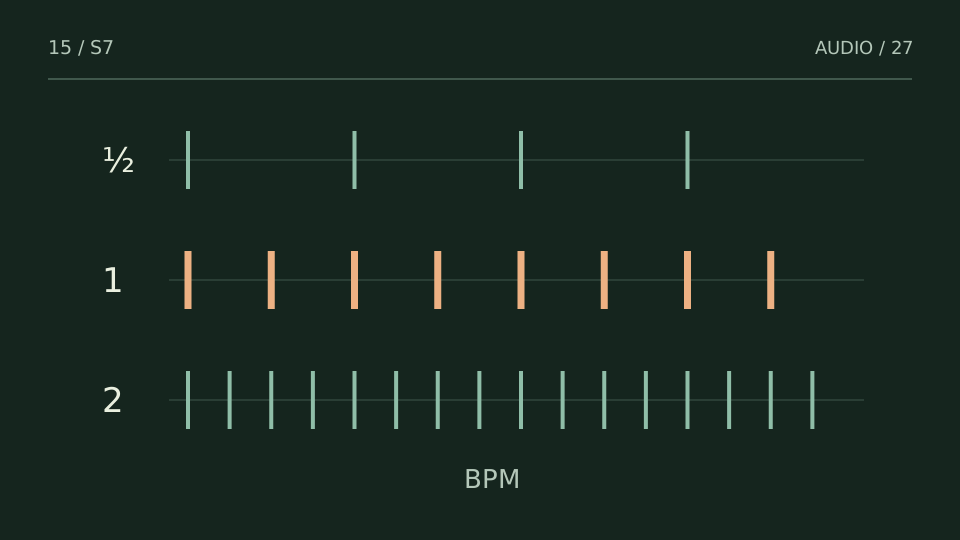
| Half- or double-time BPM | Compare with the musical pulse and grid. |
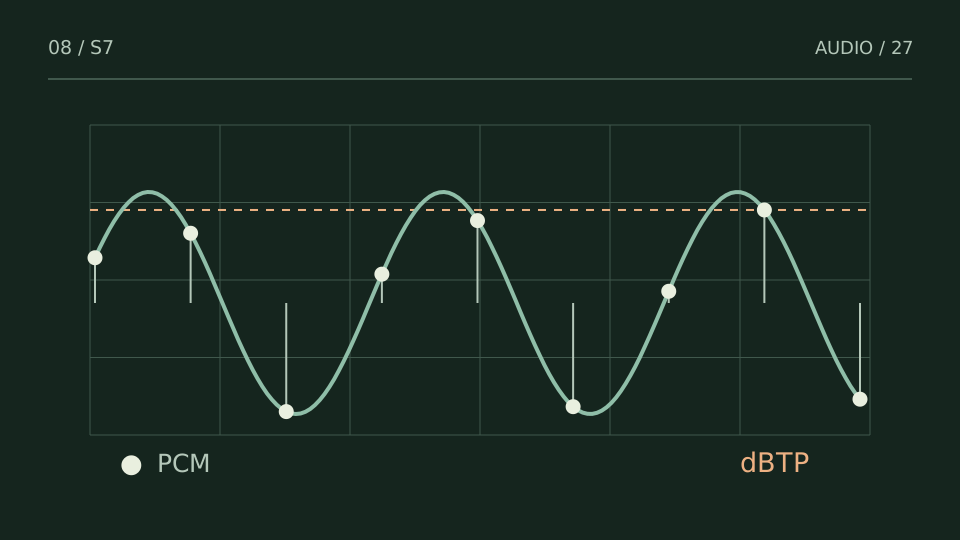
| Peak or level differs from the session | Check the signal chain and measurement point. |
Bring it into your session
One pass, with a clear objective
0 / 4
Checks stay on this page and are not sent anywhere.
When to stop
You know which file was measured, what each result means and what still requires listening or investigation.
Quick diagnosis and decision protocol
Check first
- Analyze the same render you are judging.
- Write down the audible problem before reading metrics.
- Use metrics to confirm or reject hypotheses.
Then decide
- Fix one class of problem at a time.
- Re-render and compare at matched level.
- Keep the previous file so changes remain reversible.
Measurement boundary
A useful analyzer reduces uncertainty; it does not replace listening.
Watch out for this: Scanning every metric without a question creates data, not a decision.
Try it with your own audio
Choose the free tool that fits your task. You do not need to buy a plugin to use the guide.
Open the free tools →