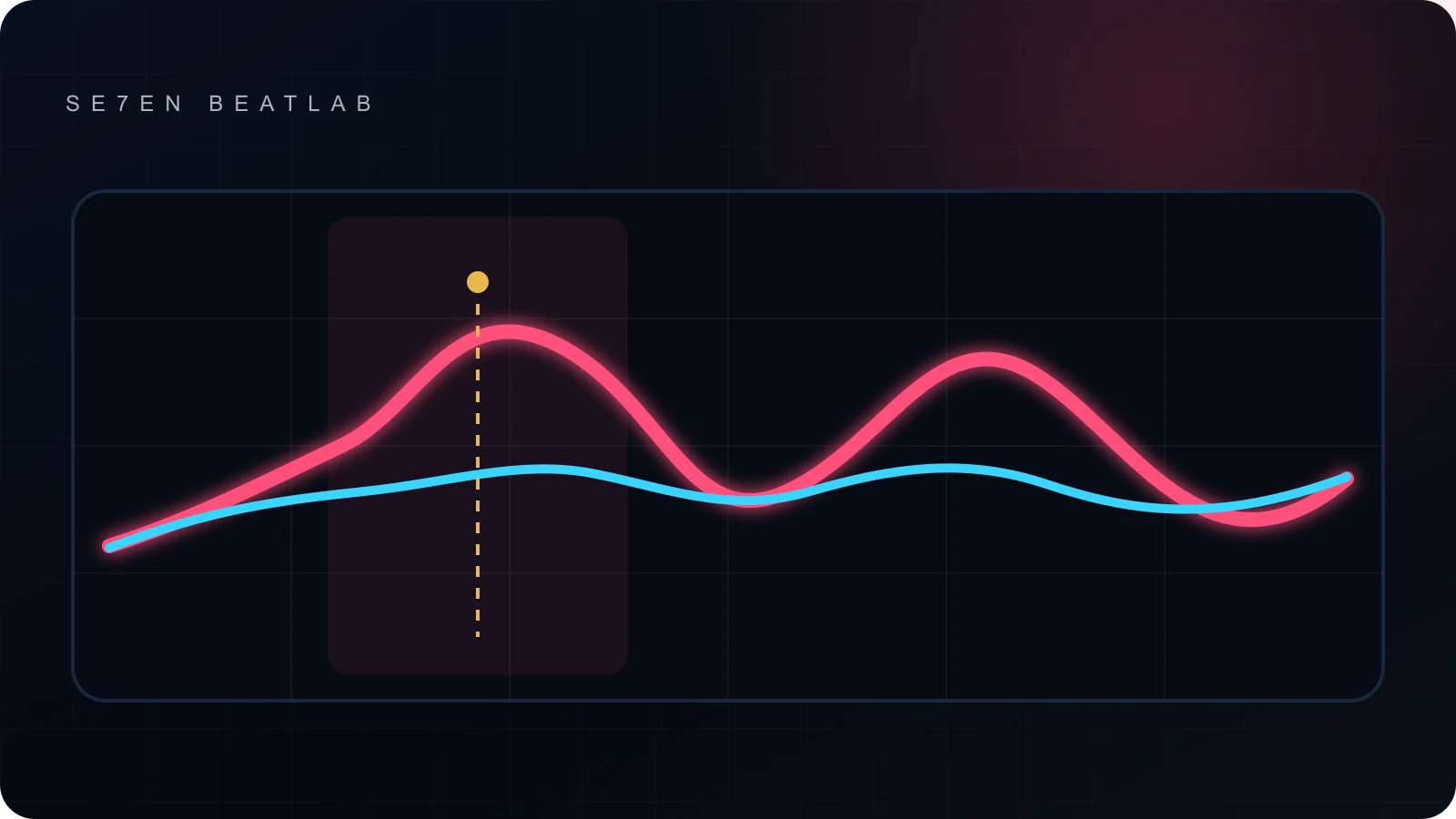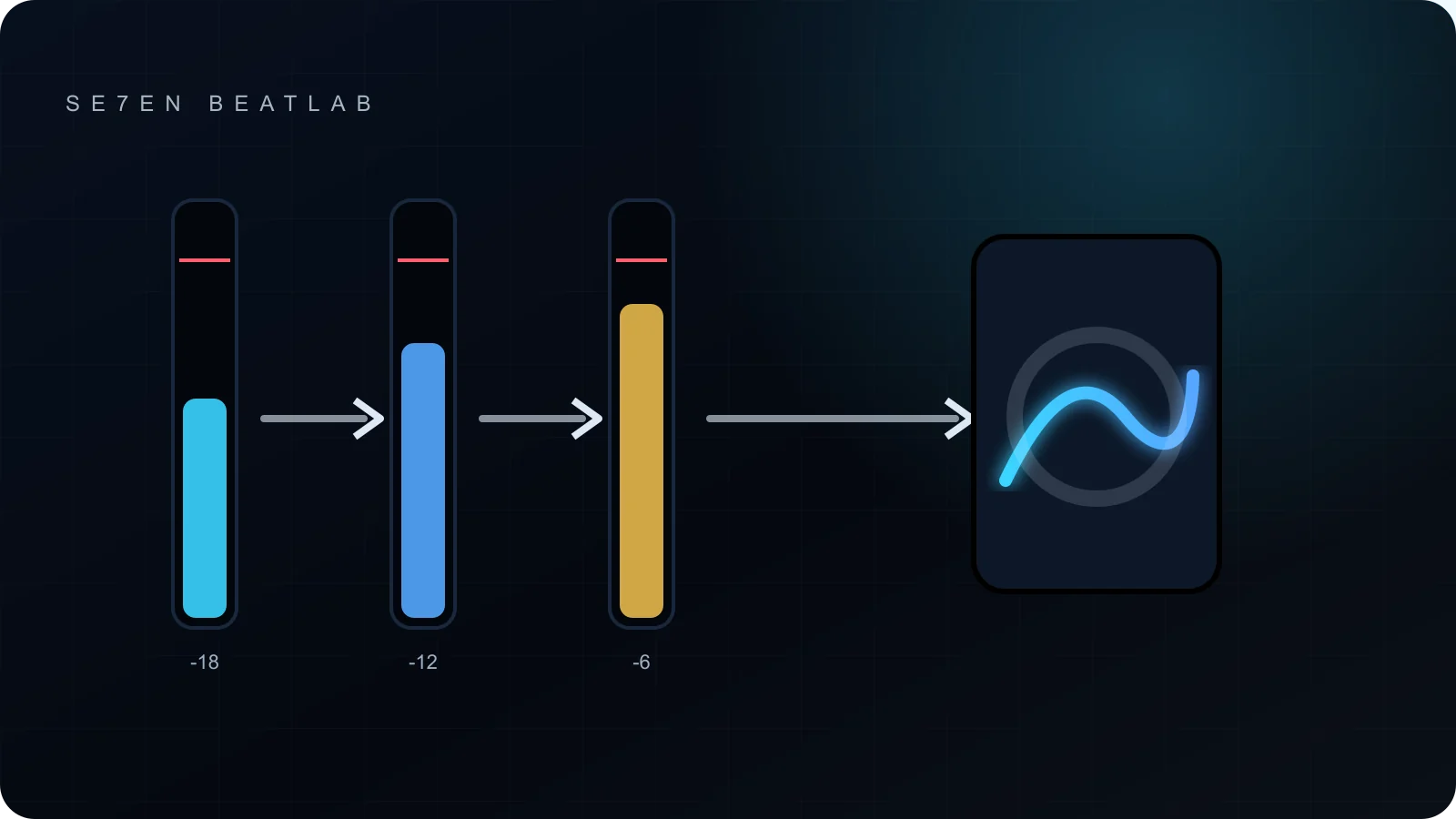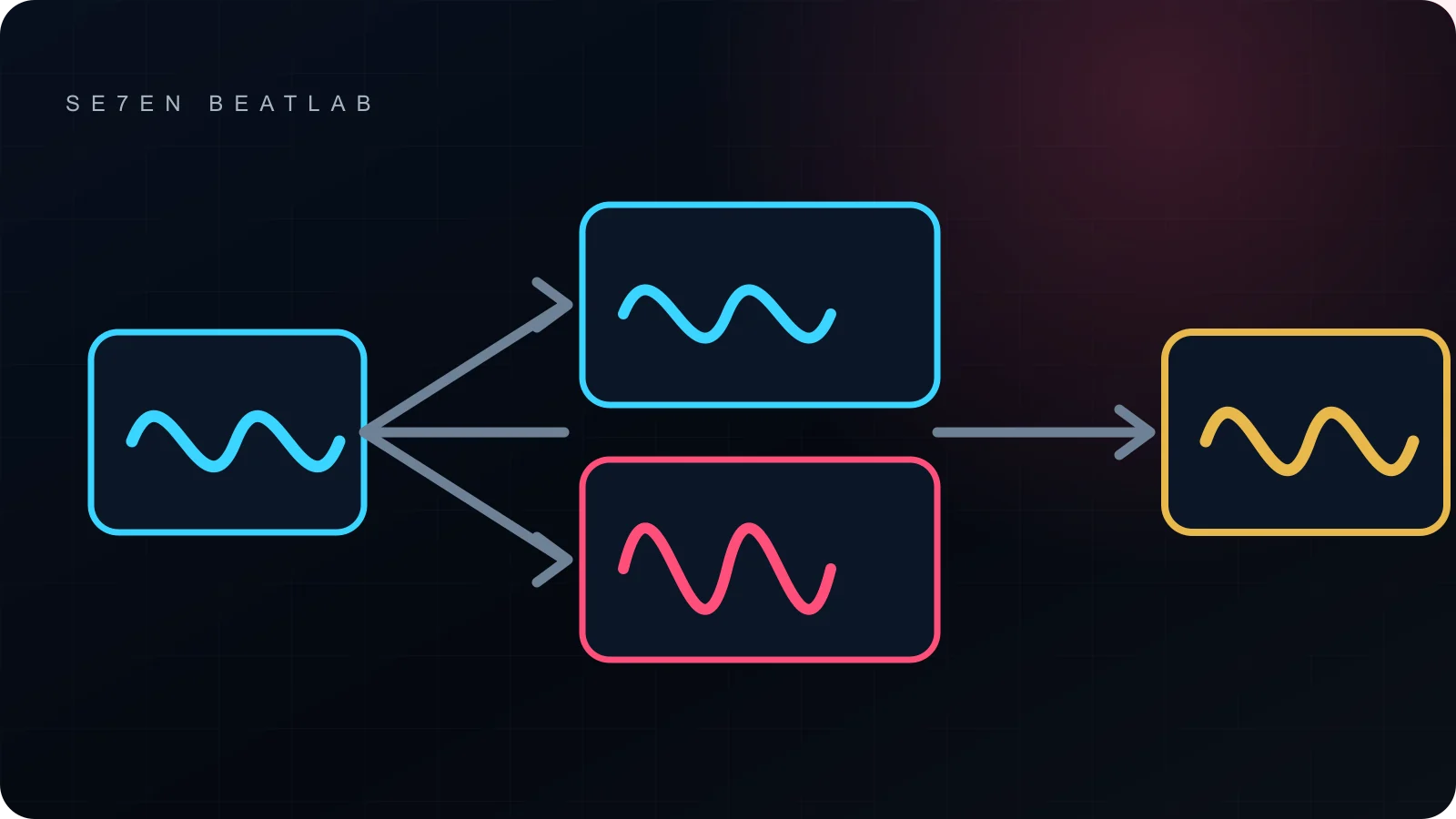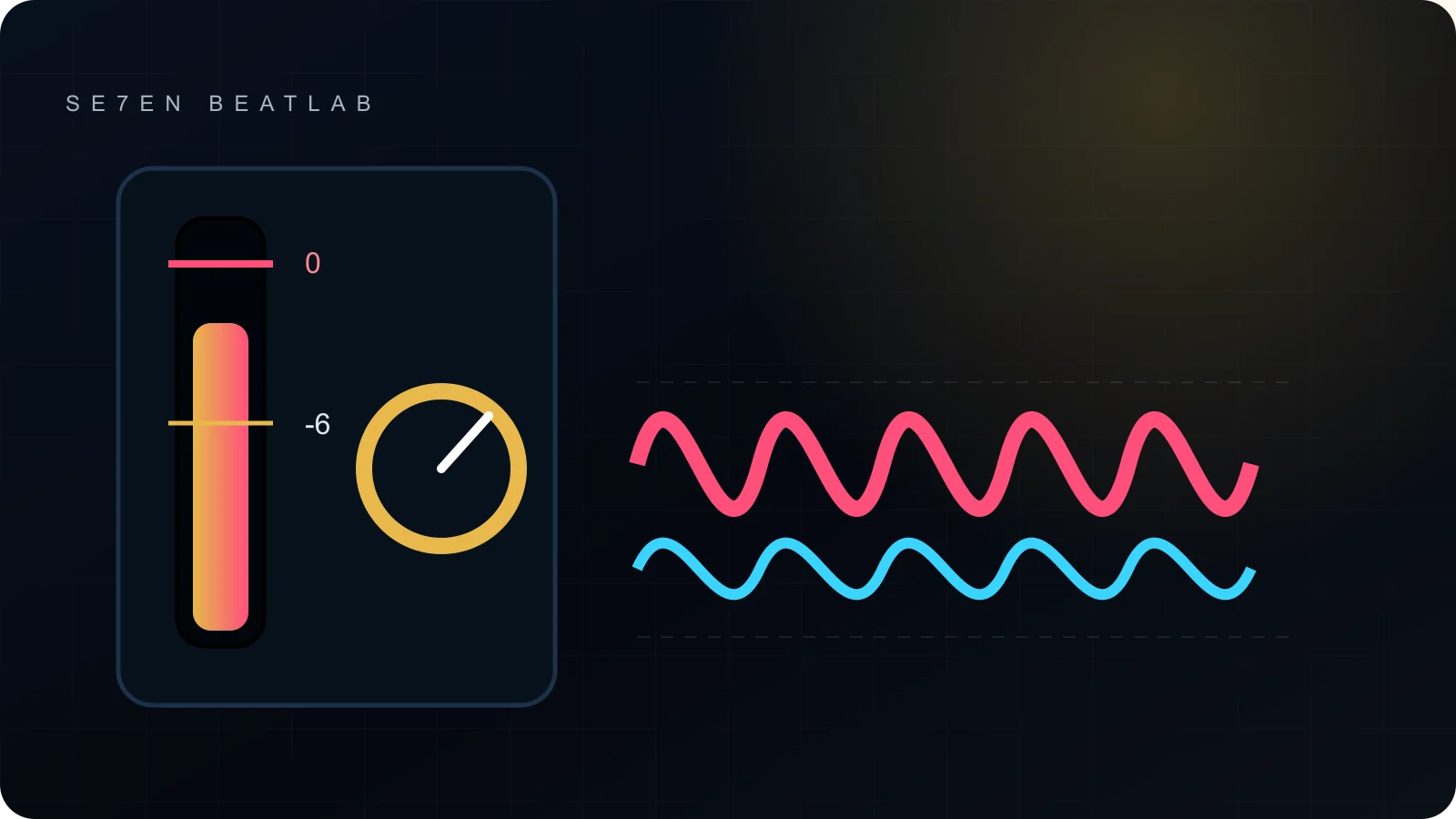
Headroom is the distance between a signal’s current peak and the digital ceiling. It is not a sound by itself and it is not a mandatory -6 dBFS badge. It is room for processing, summing and unexpected peaks without accidental clipping.
Why an export can reveal a problem
- The output really exceeds 0 dBFS. Floating-point routing inside a DAW can tolerate values that a fixed-point delivery file cannot represent without clipping.
- The meter is not last. A processor, gain control or dither stage after the visible meter can change the final peak.
- Encoding exposes peak risk. Lossy conversion can create reconstructed peaks above the measured sample peak, which is why a true-peak meter is useful for final delivery.
Use ranges as working conditions
Record with enough margin for the performance. Feed non-linear processors at the level their documentation expects. Keep buses unclipped. For a mix sent to mastering, a clean file without a forced limiter matters more than reaching exactly -6 dBFS. For a finished master, follow the delivery specification; Spotify, for example, currently recommends a maximum below -1 dBTP and more margin for masters louder than -14 LUFS.
Sample peak, true peak and floating point
A sample-peak meter reports the highest stored sample. A true-peak meter estimates the reconstructed waveform between samples and is especially relevant near the ceiling or before lossy encoding. Many DAWs use floating-point buses internally, which can preserve an over-zero signal until it reaches a non-linear processor or a fixed-point output. That safety margin is useful, but it is not a reason to ignore the output path.
Check where the meter sits. If a saturator, output trim or format conversion follows it, the displayed maximum is not necessarily the delivered maximum. Dither is a word-length decision at final export; it should not be used as a general explanation for a large level change.
A safe export check
- Play the loudest section from before the mix bus through the final output.
- Confirm which processor is last and meter after it.
- Decide whether this is a pre-master or a final master. Do not add a limiter to a pre-master only to satisfy a number.
- Disable automatic normalization unless the delivery brief explicitly asks for it.
- Export, re-import the file and compare it at matched level.
- Check the delivered file for clipping and true peak, not only the live session.
Pre-master and final master are different files
| File | What to protect |
|---|---|
| Mix / pre-master | No accidental clipping or final loudness processing; follow the mastering engineer’s requested format |
| Final master | Chosen loudness, true-peak safety, codec translation and delivery specification |
| Reference bounce | Clear label; may include temporary bus processing but should not be confused with the pre-master |
A hypothetical export problem
Suppose the mix bus peaks at -0.3 dBFS before a final saturator that adds level, while the visible meter is placed before that saturator. The exported WAV clips even though the screenshot looks safe. Moving the meter to the true end of the chain reveals the cause. If this is a pre-master, trim before the saturator or revise the chain; adding a limiter merely hides the routing error.
Delivery checklist
- Confirm whether the file is a mix, reference or final master.
- Meter after the last level-changing processor.
- Use the requested sample rate, bit depth and channel format.
- Apply dither only when the word-length change requires it.
- Re-import and inspect the exact file being delivered.
- Keep the unprocessed mix available for revision.
Headroom and loudness are different decisions
Turning a clean mix down does not reduce its quality. Likewise, leaving headroom does not guarantee a good master. Loudness comes later from balance, density and controlled dynamics. Headroom simply prevents an avoidable technical ceiling from making that decision for you.