Gain staging is not a target-number contest. It is the simple habit of keeping every stage of a signal chain at a level that leaves room for the next decision. When the chain is under control, bypass comparisons become fair, compressors react predictably, and the mix bus stops becoming the place where every earlier level mistake accumulates.
Start with the question that matters
Play the loudest section and look for three things: clipped recordings, processors receiving much more level than expected, and a mix bus with no room left. Fix those before reaching for an EQ. A muddy or harsh mix can be a tonal problem, but it can also be several stages of unnoticed gain adding up.
A practical pass through the session
- Leave the master output alone for a moment. Bypass loudness processing that hides the real level of the mix.
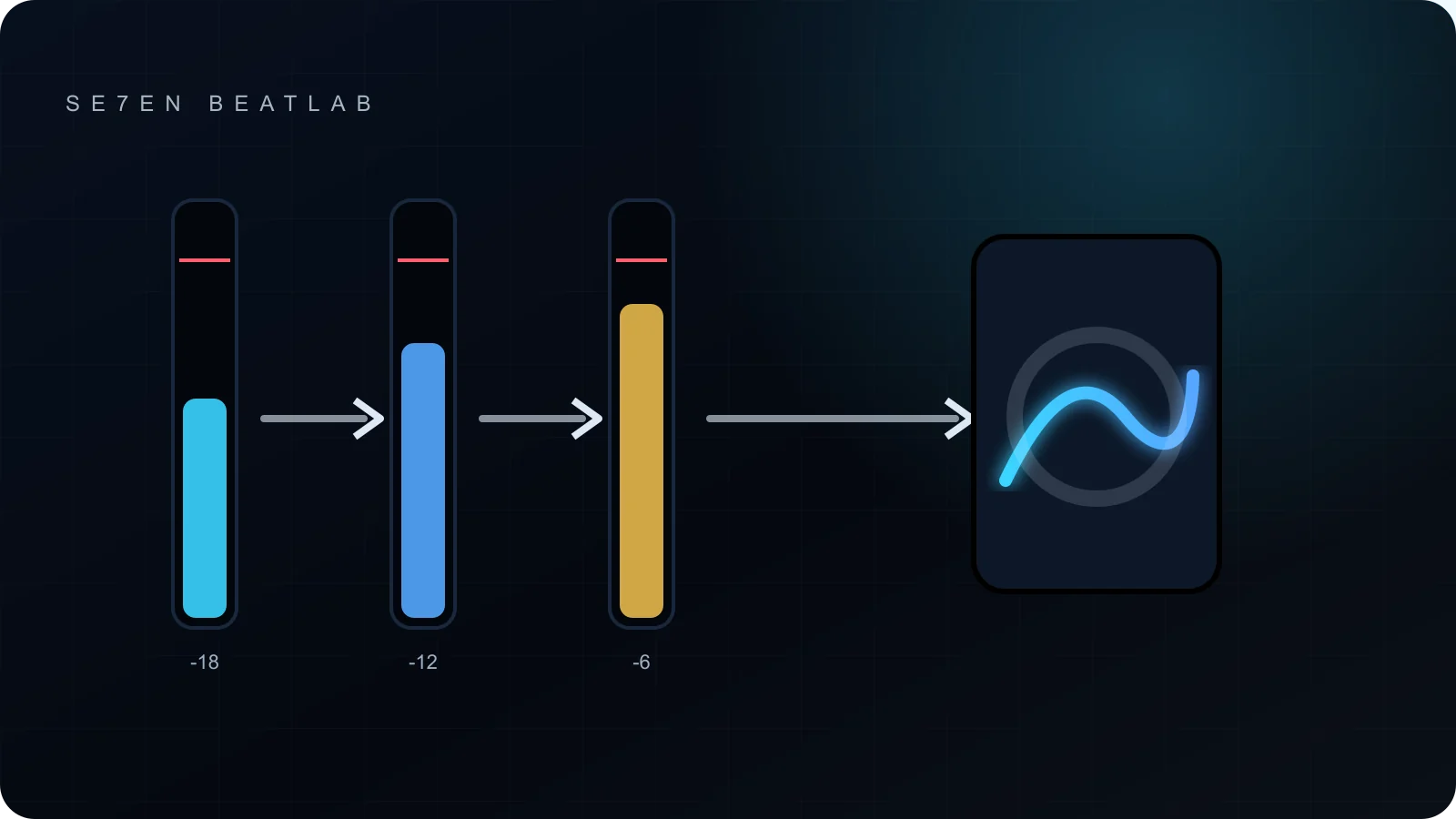
- Trim at the source. Use clip gain or a gain utility before the first processor. A value around -18 dBFS average can be a useful starting point for some analog-modelled tools, but the plugin manual and the sound are the authority.
- Level-match every insert. When a compressor, saturator or EQ makes the signal louder, trim its output before deciding whether it improved the sound.
- Watch buses, not only tracks. Several healthy tracks can still overload a drum, vocal or mix bus when they sum.
- Keep the final mix unclipped. A mastering engineer does not require one magic peak value; a clean export with no accidental limiting is more important than landing on exactly -6 dBFS.
What the meters cannot decide
A peak meter shows headroom, not balance. An average-level meter helps compare signals, but it cannot tell whether a vocal is too forward or a kick is masking the bass. Use meters to expose level changes; use listening to make the mix decision.
Where level changes hide
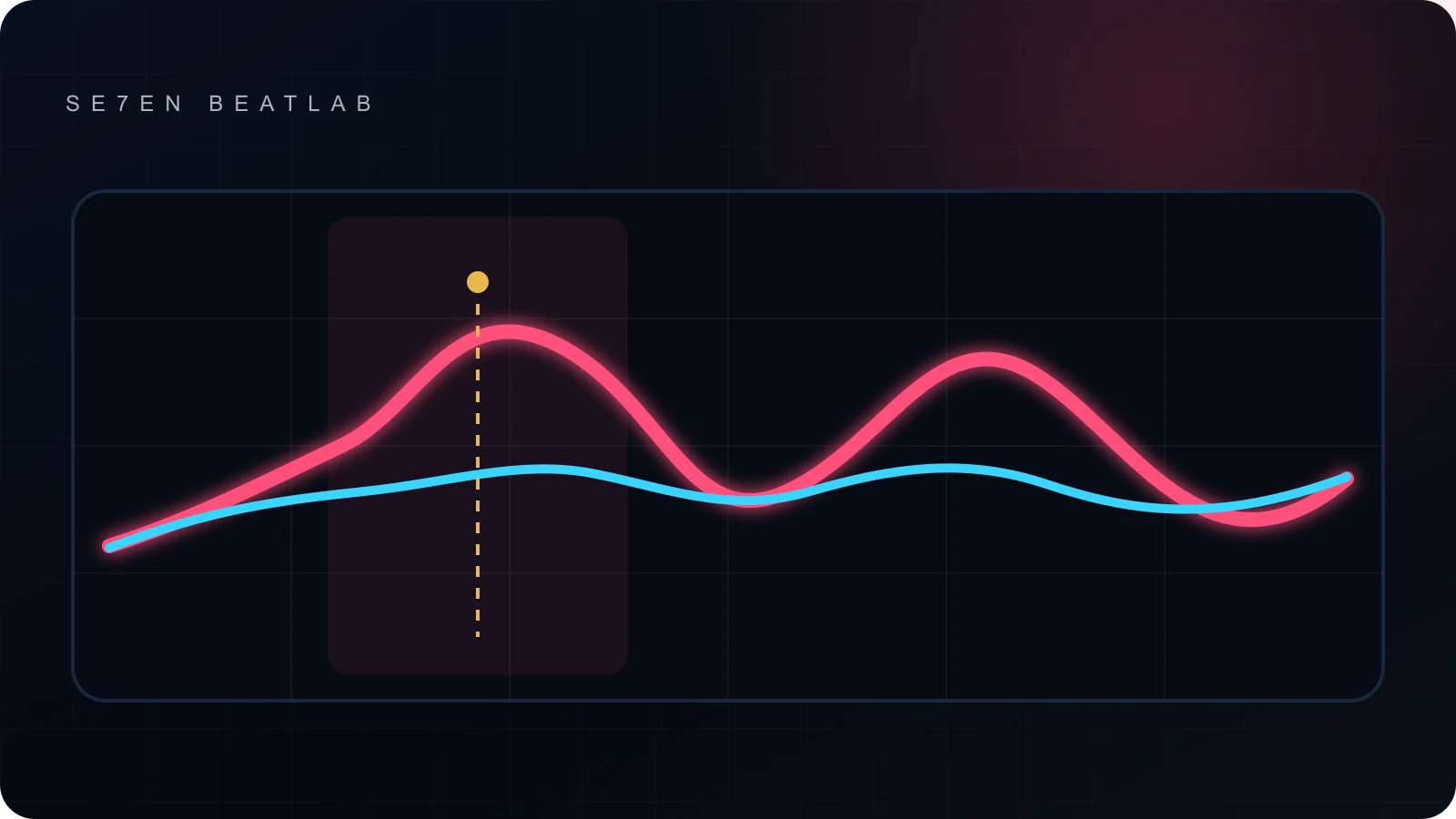
The fader is only one point in the path. Clip gain changes the signal before inserts. A compressor can lower peaks and add make-up gain. A saturator may sound fuller while also raising average level. Sends may be pre- or post-fader, and a parallel bus can return more level than expected. Finally, automation can make a chain that is safe in the verse overload in the chorus.
Follow the signal in order instead of staring at every meter at once: source, first insert, last insert, subgroup, mix bus and output. If the level jumps, decide whether that jump is intentional. This is faster than choosing a nominal target and forcing every track toward it.
A hypothetical example
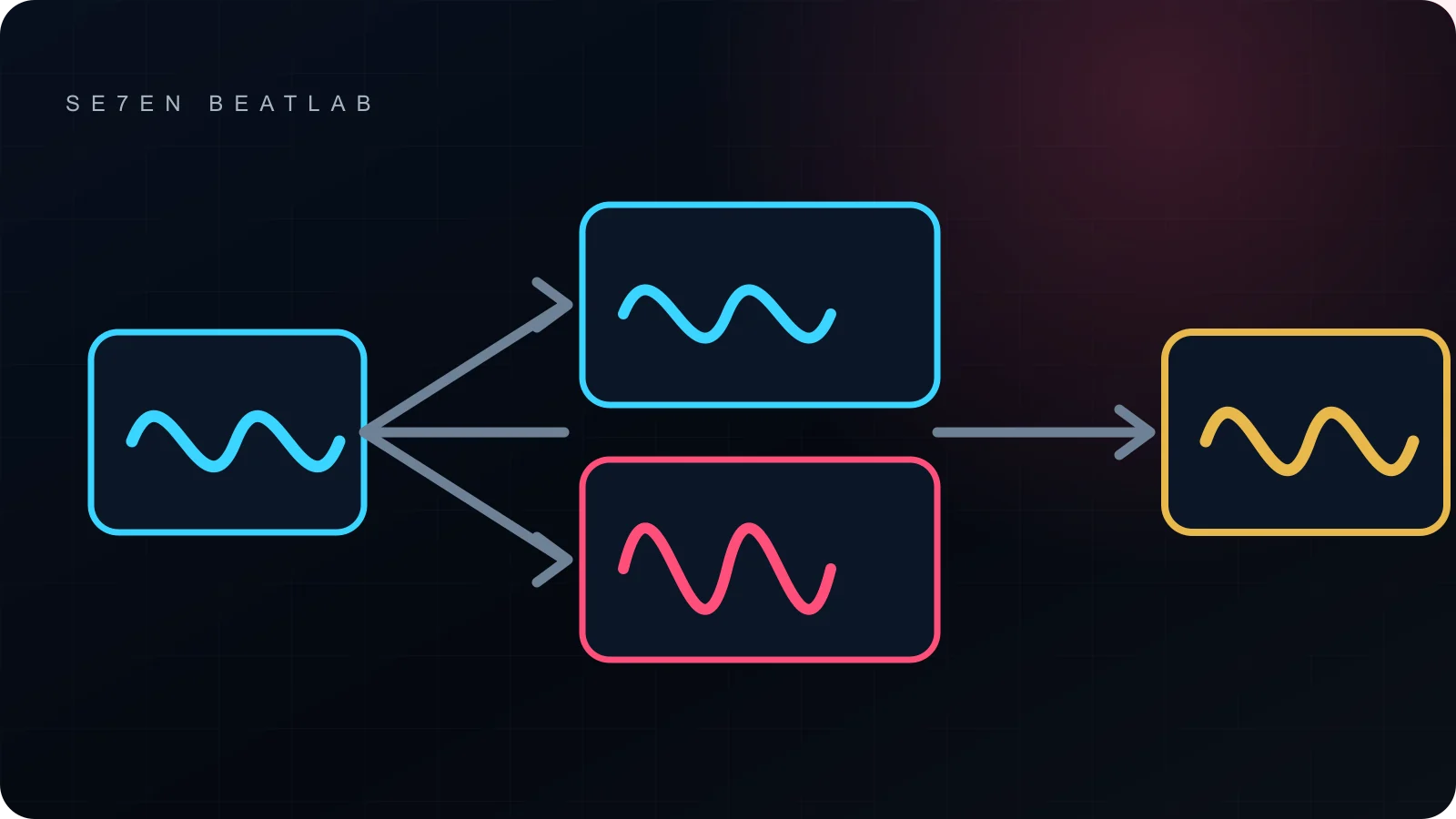
Suppose a vocal enters a compressor at a sensible level, receives 5 dB of make-up gain, then hits a saturator and a parallel vocal bus. The channel itself may never show a red clip light, yet the subgroup can arrive 8 dB louder than the dry vocal. The correction is not automatically “turn everything down.” First match the compressor output, then decide how much parallel return the arrangement needs. The example is illustrative; the values are not a preset.
Routing details worth checking
- Pre-fader sends: lowering the channel fader may not lower the effect or headphone send.
- Non-linear processors: input level can change tone, not only output volume.
- Sidechains: trimming the key signal changes detector behaviour even when that signal is not heard.
- Master-bus processing: moving a trim before or after the chain produces different results.
Three mistakes that waste time
- Pulling down the master fader while processors before it are still being hit too hard.
- Treating -18 dBFS as a rule for every source and every plugin.
- Comparing processed and bypassed audio at different loudness.
End-of-pass checklist
- No recorded or rendered source is clipped unintentionally.
- Each processor is judged at roughly matched output level.
- Subgroups stay controlled in the loudest section.
- Pre-fader sends and parallel returns were checked separately.
- The mix export is clean and does not contain accidental final limiting.
A good gain-staging pass should feel uneventful. Nothing is “fixed” by a number; the session simply becomes easier to judge.