A master can measure louder in the DAW and still fail to feel louder after upload. The missing distinction is between master loudness and playback loudness. A streaming service may change playback gain; it does not undo the limiting, clipping or tonal balance already printed into the file.
What LUFS tells you
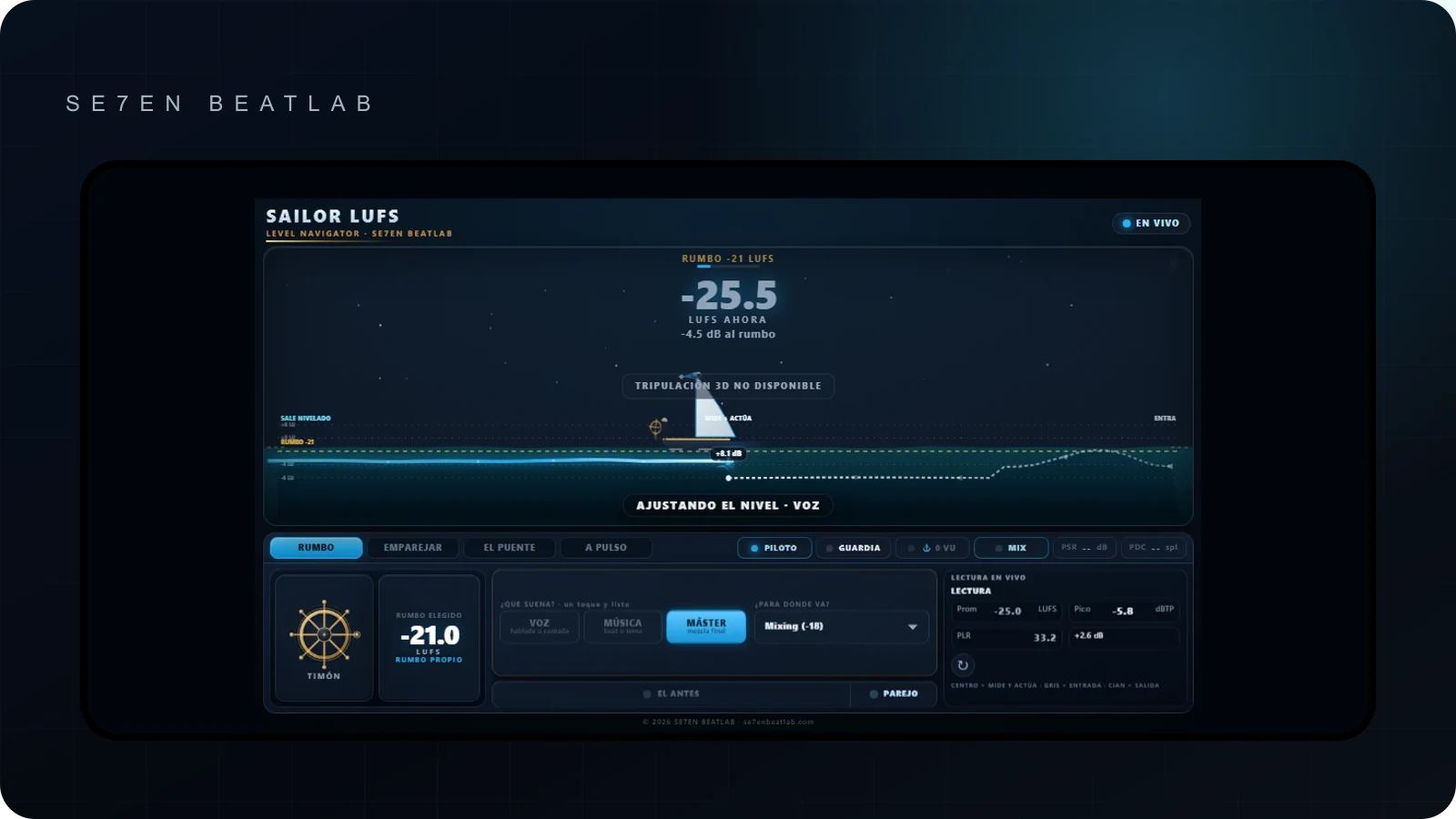
Integrated LUFS describes perceived loudness across the program. Short-term LUFS helps compare sections. True peak estimates peaks that can appear when the digital signal is reconstructed or encoded. Those readings answer different questions, so one number should not become the entire mastering brief.
Integrated loudness is calculated across the measured program and is most useful after the start and end points are correct. Short-term loudness looks at a much smaller window and helps show whether a chorus is denser than a verse. Momentary loudness reacts faster still. True peak is expressed in dBTP, not LUFS: it is a peak-safety reading, not a measure of average loudness.
Why a song may still feel quieter
Before changing the limiter, separate four possible causes:
- Playback settings: normalization can differ by listener setting, device or playback context.
- Tonal balance: excessive sub-bass can consume energy while leaving the midrange—the area that carries much of the musical detail—comparatively weak.
- Transient shape: a master with flattened attacks may measure dense but feel smaller beside a reference with clearer drums.
- The comparison itself: unmatched playback level makes the louder file win before tone or dynamics can be judged.
Spotify’s documented behavior
As verified on 27 August 2026, Spotify documents normal playback at -14 LUFS under ITU 1770, with other listener settings and device exceptions. It also recommends keeping true peak below -1 dBTP, or below -2 dBTP for masters louder than -14 LUFS. That is Spotify guidance, not a universal specification for every platform.
If a master is louder than the selected playback reference, negative gain can turn it down. The dynamics removed by heavy limiting do not come back. If a master is quieter, positive gain is constrained by available headroom. This is why “Spotify will simply turn it up” is not a safe mastering strategy either.
A hypothetical level comparison
Suppose master A measures -8 LUFS integrated and master B measures -12 LUFS integrated. On a playback mode referenced to -14 LUFS, both may receive negative gain, with more reduction applied to A. That arithmetic does not prove B will sound better: balance, crest factor, clipping and arrangement still matter. It only shows why four extra decibels of limiting cannot be assumed to become four extra decibels of playback level.
Choose a master, not a magic target
- Finish the balance before chasing integrated loudness.
- Compare against a relevant reference at matched playback level.
- Watch true peak while testing the amount of limiting.
- Listen to the encoded result, not only the WAV inside the session.
- Deliver one strong, unclipped master unless a client or distributor gives a different specification.
A diagnostic pass before remastering
- Measure the whole file, with silence and count-ins handled consistently.
- Check the loudest section in short-term LUFS and compare it to the quieter section.
- Inspect true peak before and after any codec preview.
- Level-match one relevant commercial reference; do not copy its LUFS blindly.
- Reduce limiter input by 1–2 dB and listen for recovered punch, vocal clarity or low-end movement.
- Confirm the distributor’s current file specification independently from the playback-normalization policy.
Album, playlist and non-normalized contexts
Spotify documents album normalization as a group so the intended level relationships between tracks can remain, while shuffled or mixed playback can be handled track by track. Other contexts—downloads, DJ playback, a web player or a device with normalization disabled—may behave differently. That is another reason to make a robust master rather than optimize a file for one screenshot of one meter.
Why two songs at the same LUFS can feel different
Arrangement, spectral balance, transient shape and density all affect perceived impact. A dense chorus and an open verse can create more movement than another decibel of limiting. LUFS is useful because it makes comparisons more disciplined; it is not a score for musical quality.
Source: Spotify for Artists: Loudness normalization, reviewed 2026-08-27.