The starting point
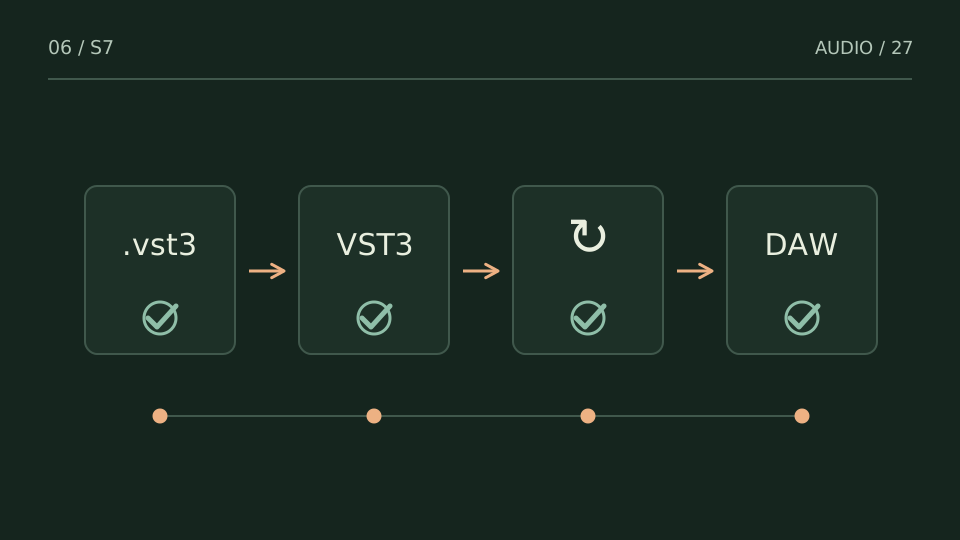
Check in order: the file exists, format and architecture are compatible, the host scans that location, and the plugin is not blocked. Blind reinstalls often add versions without clarifying the failure.
A practice case
The installer finished, but the plugin is missing
Practice case: installation created a standalone application, but the VST3 component was not selected. Opening the application does not prove the plugin exists. Check installed components and locate the .vst3 package in the manufacturer’s documented location.
If the file exists, open the host’s plugin manager and record the scan result. A blocklist or missing-dependency message is useful evidence; clearing it immediately removes the clue. Test in an empty project before reopening an important session.
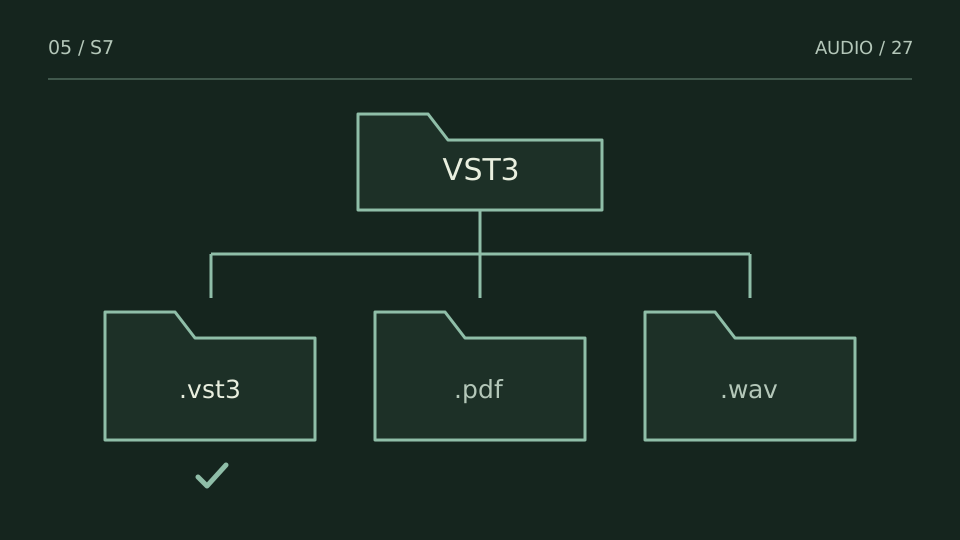
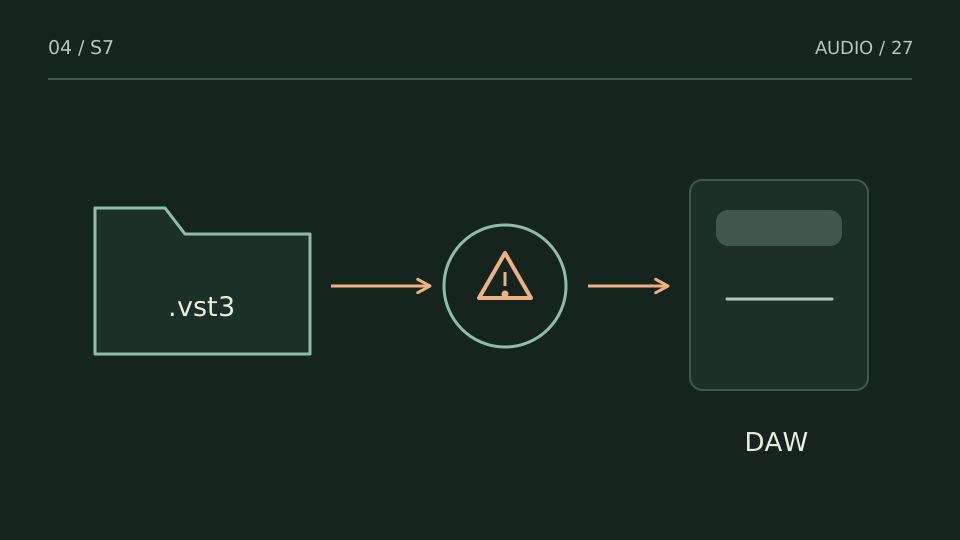
An existing .vst3 package does not yet confirm discovery by the host: record the scan result.
One test, one variable
Record host version, plugin version, operating system, path and error message. Then change one thing: install the missing component, correct a path or run another scan. Once the plugin appears, load it in an empty session and check that the session can close and reopen. Do not update every plugin simultaneously while diagnosing one specific issue.
What not to do
Renaming a .dll to .vst3 does not convert its format. Avoid copying packages randomly into DAW folders or deleting whole configuration directories. Use the manufacturer’s installer and the documented scanning procedure for your host version. When requesting support, share the recorded observations rather than passwords or license keys.
Choose a test from what you hear
| You notice | Try this |
|---|---|
| The VST3 component does not exist | Review official installer options. |
| It exists but is not discovered | Check location and scan configuration. |
| It is listed as blocked | Read the error and follow the manufacturer’s procedure. |
Bring it into your session
One pass, with a clear objective
0 / 4
Checks stay on this page and are not sent anywhere.
When to stop
The host finds the correct version, loads it and retains that result after restarting.
Quick diagnosis and decision protocol
Check first
- Confirm the .vst3 bundle exists in the system VST3 folder.
- Confirm a 64-bit host is loading a 64-bit plug-in.
- Check the DAW plug-in manager or blocklist before reinstalling.
Then decide
- Rescan the documented VST3 location.
- Reset a blocklist only when the host actually blocked the plug-in.
- Reinstall to the standard path rather than copying bundles blindly.
Measurement boundary
A successful installer message does not prove the DAW loaded the plug-in.
Watch out for this: Adding the whole C: drive as a scan path creates noise and can destabilize scans.
Technical references
Documentation for the methods and product behaviour discussed. Practice cases are illustrative examples, not client case studies.
References reviewed:Try it with your own audio
Choose the free tool that fits your task. You do not need to buy a plugin to use the guide.
Open the free tools →