The starting point
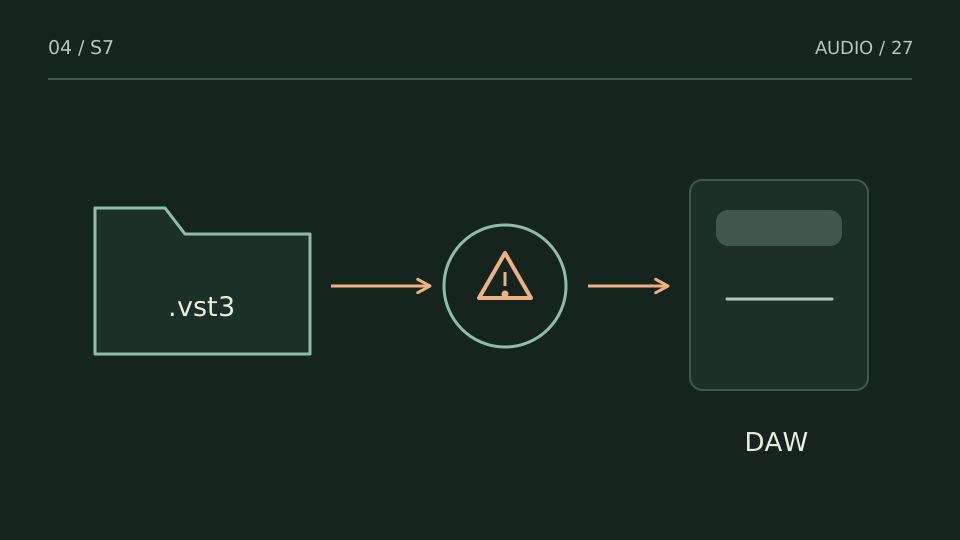
For a standard 64-bit Windows VST3 installation, start with C:\Program Files\Common Files\VST3. Also check the manufacturer’s documentation and locations supported by your host.
A practice case
Two copies with the same name
Practice case: one plugin sits in the common folder and an older copy is in a custom folder. The DAW may load a different version from the one you thought you updated. Check the version actually loaded by the host, not only the downloaded installer’s date.
Record both locations before changing anything. Use the manufacturer’s installation or removal procedure to resolve duplicates rather than deleting an unfamiliar folder mid-session. A VST3 package can contain multiple files; moving an internal component is not the same as moving the complete package.
Choose a test from what you hear
| You notice | Try this |
|---|---|
| A documented installation and a manual copy | Identify which one the host scans first. |
| A per-user installation or special path | Check locations supported by that host version. |
| Only a standalone .exe is present | Check whether the plugin component was installed. |
Bring it into your session
One pass, with a clear objective
0 / 4
Checks stay on this page and are not sent anywhere.
When to stop
You know which file the DAW loads and are not relying on unexplained duplicate copies.
Quick diagnosis and decision protocol
Check first
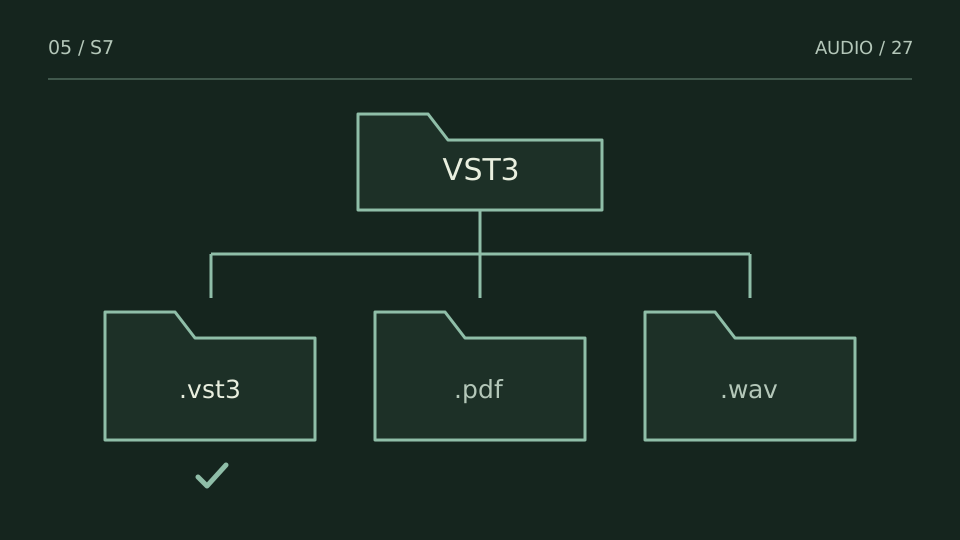
- Look for the vendor or plug-in .vst3 bundle there.
- Do not confuse VST2 .dll search paths with the VST3 system path.
- If an installer used a non-standard path, document it before changing the host.
Then decide
- Prefer reinstalling to the standard location.
- Keep one clear VST3 source of truth.
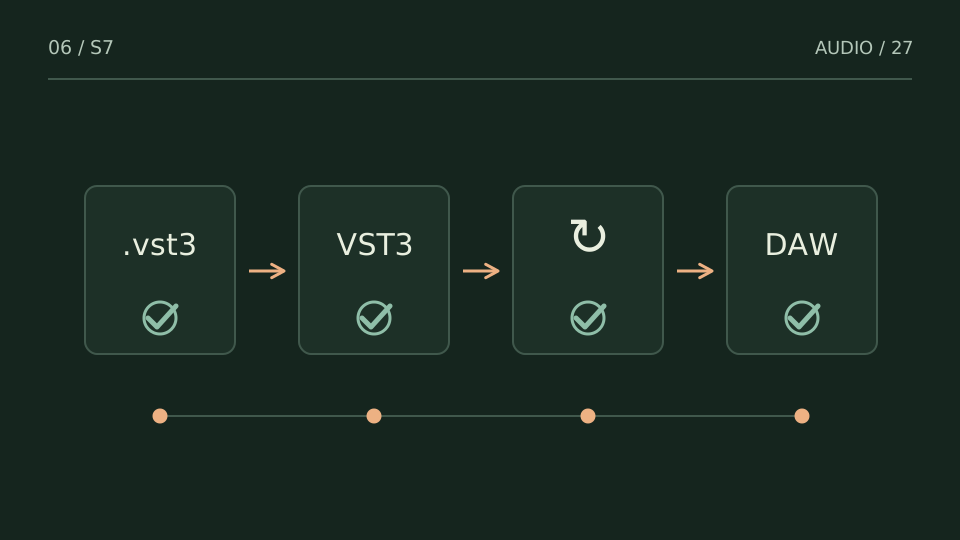
- After correcting the path, run one deliberate rescan.
Measurement boundary
Path correctness is necessary but not sufficient: architecture, signing and the DAW blocklist can still matter.
Watch out for this: Moving installed plug-in bundles by hand can break supporting files or installer state.
Technical references
Documentation for the methods and product behaviour discussed. Practice cases are illustrative examples, not client case studies.
References reviewed:Try it with your own audio
Choose the free tool that fits your task. You do not need to buy a plugin to use the guide.
Open the free tools →