The starting point
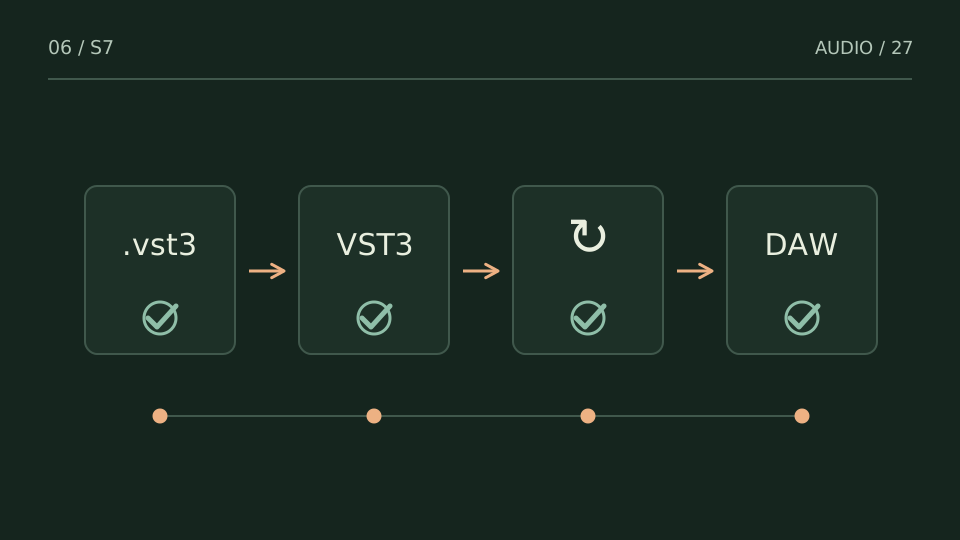
Rescanning checks what the host can discover. Do it after confirming file and location, and preserve error messages before clearing a blocklist.
A practice case
Four rescans, no change
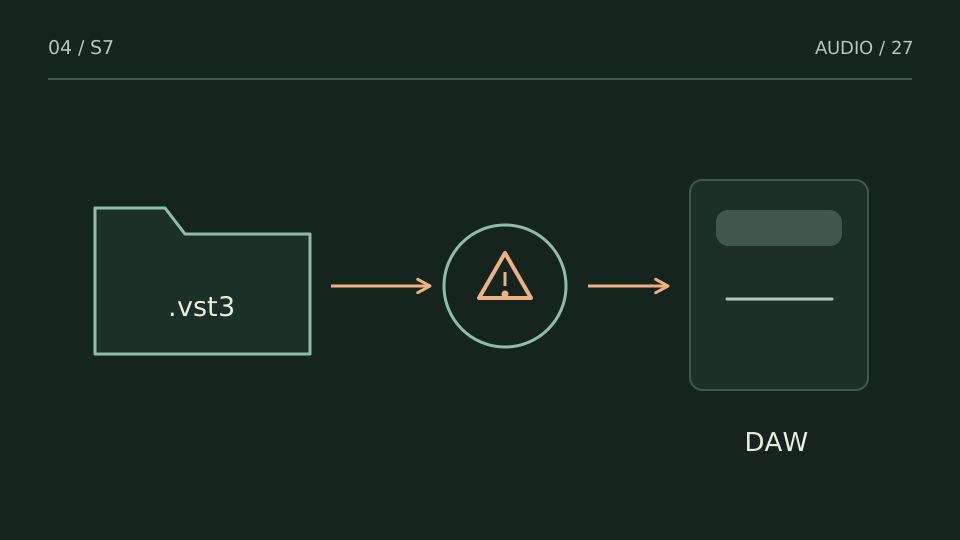
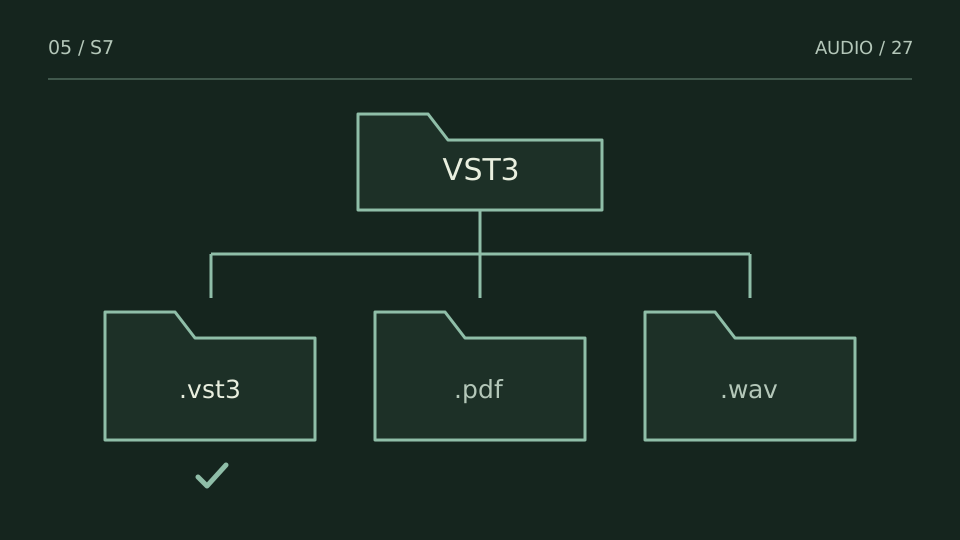
Practice case: the file is in a location the host does not scan. Repeating the scan without changing that condition repeats the result. First confirm search locations and enabled formats.
If a plugin fails during scanning, record its name, version and message. An update may fix the cause, but unblocking it blindly can reproduce the failure. Use an empty session for a load test, and save the important project before closing the host.
Choose a test from what you hear
| You notice | Try this |
|---|---|
| The plugin is never mentioned during scanning | Check path or enabled format. |
| Scanning reports an error | Keep the message and consult documentation or support. |
| It appears but fails when opened | Test in an empty project and record the failure. |
Bring it into your session
One pass, with a clear objective
0 / 4
Checks stay on this page and are not sent anywhere.
When to stop
The next check produces an explainable result without randomly deleting configuration files.
Quick diagnosis and decision protocol
Check first
- Close duplicate DAW instances.
- Confirm the intended VST3 path once.
- Use the DAW manager's rescan or reset action, then inspect the result.
Then decide
- Prefer a targeted rescan to deleting every cache.
- If a plug-in is blocklisted, capture the reason before resetting.
- Record host version and plug-in build when escalating.
Measurement boundary
A repeated scan failure is evidence to inspect logs or compatibility, not a reason to rescan forever.
Watch out for this: Deleting settings blindly can destroy useful evidence and unrelated preferences.
Technical references
Documentation for the methods and product behaviour discussed. Practice cases are illustrative examples, not client case studies.
References reviewed:Try it with your own audio
Choose the free tool that fits your task. You do not need to buy a plugin to use the guide.
Open the free tools →