The starting point
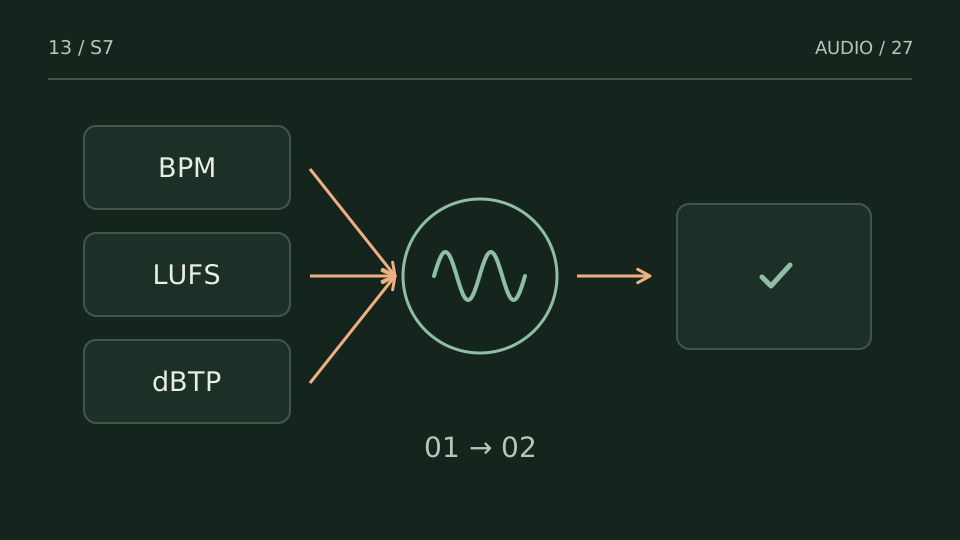
Use a technical checkup to choose what to review first, not to turn every warning into a mandatory plugin list. Each reading needs a musical question.
A practice case
Three flags, but only one changes what you hear
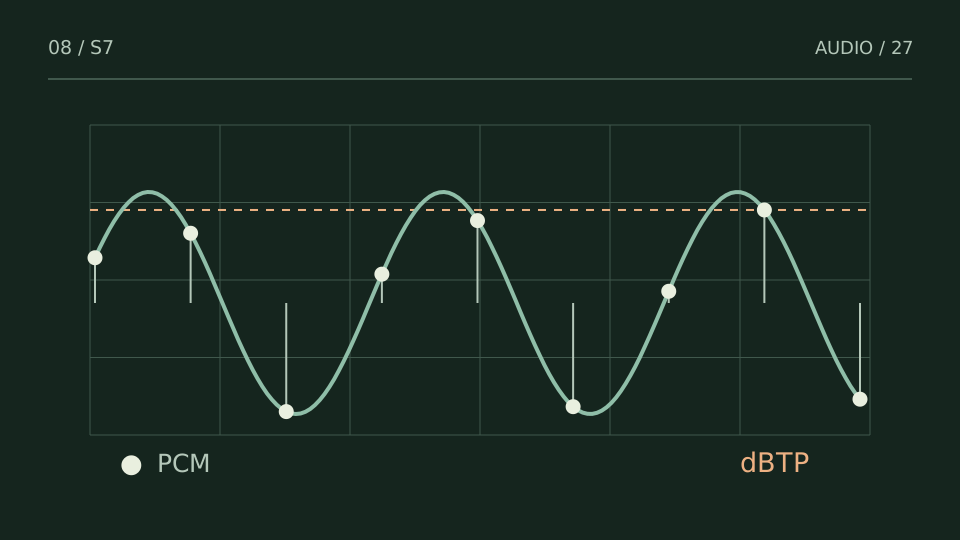
Practice case: a mix shows strong low-frequency content, a high peak and a section with low correlation. Do not process all three immediately. Locate each event and listen at that point.
If the peak belongs to one hit, investigate that hit. If correlation falls during a reverb tail without losing essential parts, note it without reflexive correction. If bass weight is intentional and translates well, do not cut it just because it occupies considerable energy.
Choose a test from what you hear
| You notice | Try this |
|---|---|
| A flag coincides with an audible issue | Prioritize that relationship and test its cause. |
| A flag lacks time context | Return to the audio and locate the event. |
| The correction harms the musical intention | Revert and test another hypothesis. |
Bring it into your session
One pass, with a clear objective
0 / 4
Checks stay on this page and are not sent anywhere.
When to stop
The checkup produces a verifiable decision rather than compulsory extra processing.
Quick diagnosis and decision protocol
Check first
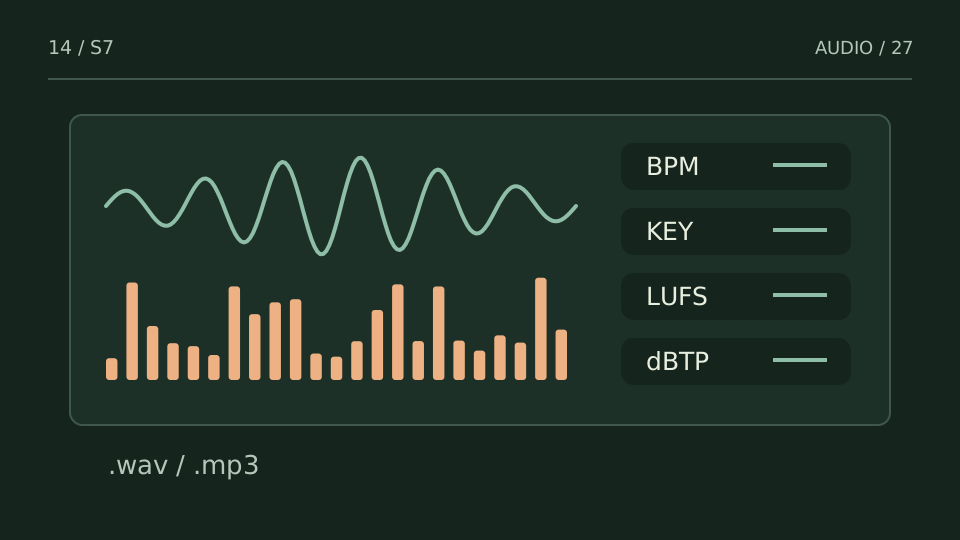
- Drop a rendered file into the analyzer.
- Read the checkup after analysis completes.
- Use the contextual next step only when its reason matches what you hear.
Then decide
- Export the diagnosis as JSON when you need a trace.
- Use local history to compare recent checks.
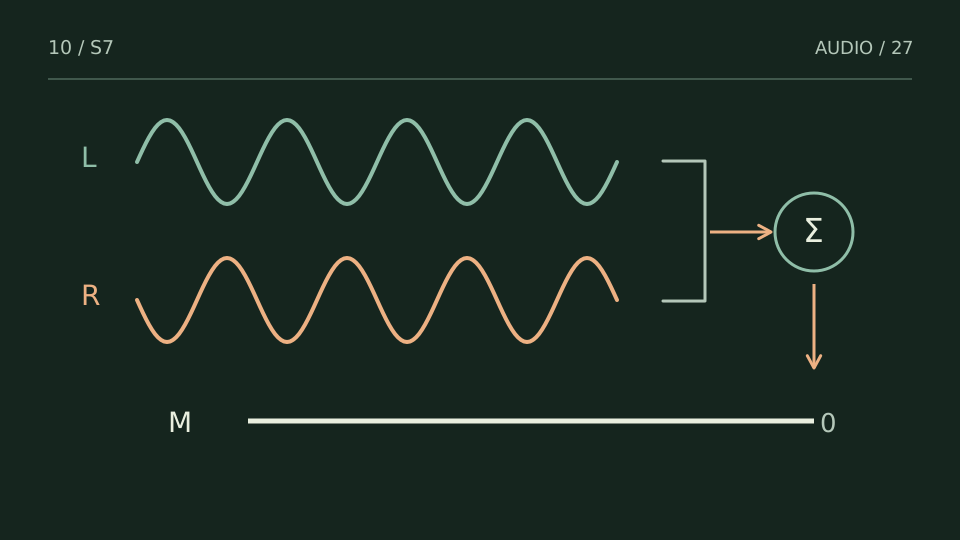
- Run the real mono test when phase risk is flagged.
Measurement boundary
The checkup is rule-based and transparent; it does not pretend a metric can make an artistic decision for you.
Watch out for this: Treating a warning as an automatic instruction defeats the point of a diagnostic workflow.
Try it with your own audio
Choose the free tool that fits your task. You do not need to buy a plugin to use the guide.
Open the free tools →