The starting point
If turning the vocal up only makes everything louder, leave the fader alone for a moment. Separate three different problems first: insufficient level, instruments covering words, and effects pushing the vocal too far back.
A practice case
The verse is clear; the chorus is not
Practice case: the vocal works with drums and bass. The chorus adds a pad, two guitars and a longer reverb. You raise the vocal by 2 dB. It now feels pasted over the track, yet word endings still disappear. The 2 dB change belongs to this example; it is not a preset.
Return to the previous level and loop only the failing phrase. Mute the pad, then the guitars, then the reverb return, one family at a time. Muting everything makes the vocal easier to hear, but does not tell you what to fix.
When a test restores the word without changing the vocal, you have found a relationship worth addressing. If none of those tests changes intelligibility, inspect the recording itself: articulation, editing, microphone distance or a level change between syllables.
Listening exercise · local audio
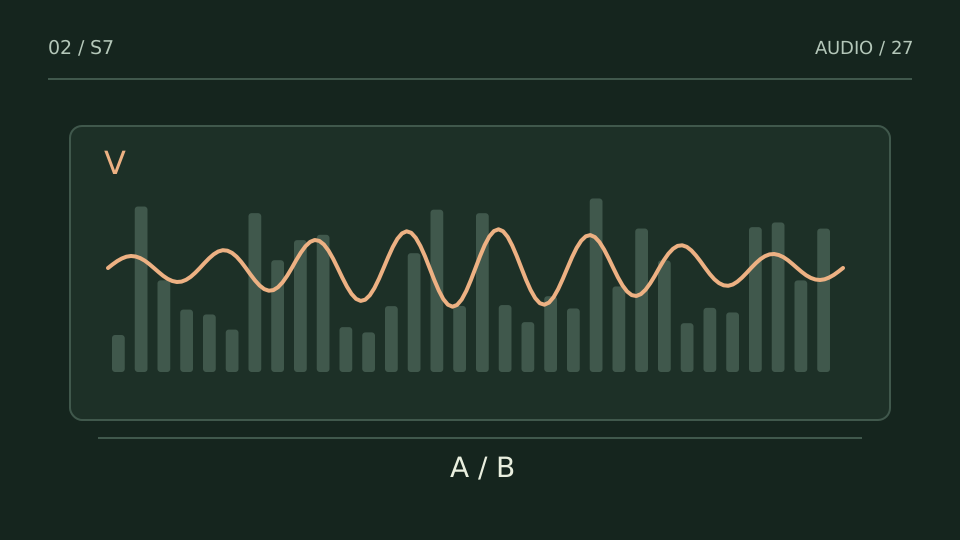
Follow the melody, then the background
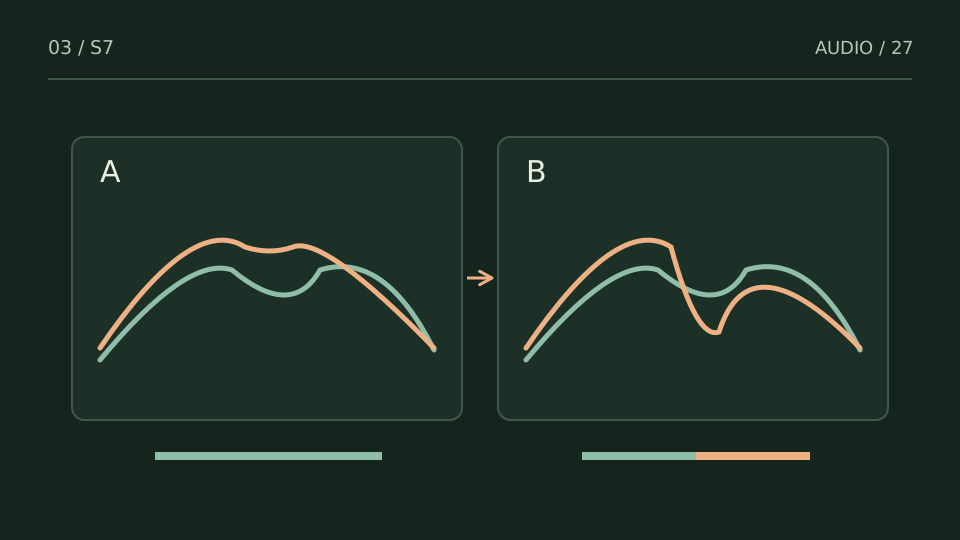
B reduces the competing background; the lead keeps the same gain. Overall level is not matched.
Use a moderate listening volume. Sound starts only when you press play.
Synthesized illustration, not a hearing test, a recording or a plugin demonstration.
Do not cut the entire mix for one syllable
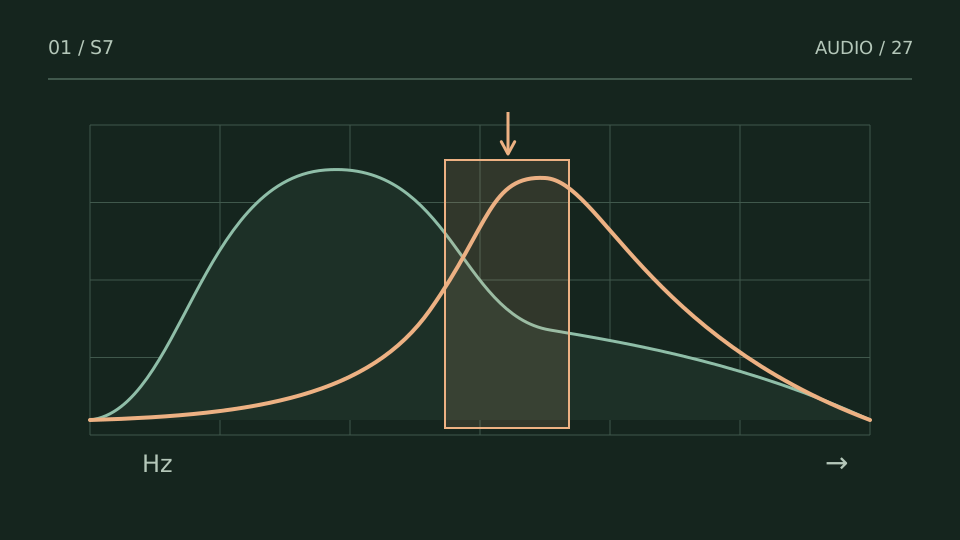
Masking makes one sound harder to distinguish in the presence of another. It does not automatically mean the vocal has a bad frequency. If a guitar entrance covers a consonant, try a small guitar automation move or a dynamic reduction in its competing range. That preserves the instrument’s body between vocal phrases. Find the band while listening to the full phrase; 2–5 kHz may be a useful search area for consonants, but it is not a mandatory cut or the right answer for every voice.
The reverb may be getting ahead of the words
Listen to the effects return with the dry vocal. If one word’s tail covers the next word’s onset, you may not need less reverb throughout the song. Try lowering the return during the phrase and letting it recover in the gaps. Predelay—the wait before the reverb begins—can separate articulation from ambience. Set it against the words and tempo, rather than treating a particular number as universal.
Check that you solved the right problem
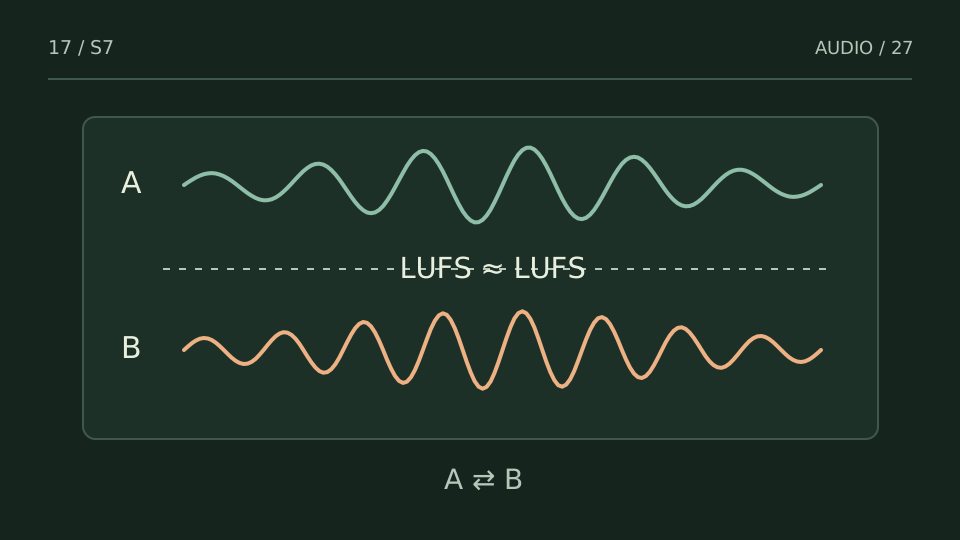
Listen again at a moderate playback level with the whole mix running. Then compare at similar perceived loudness. A change that simply turns the backing down a lot can sound clearer while losing the track’s energy. Keep the previous version. The question is whether the phrase is understandable without shrinking the song, not whether the solo vocal sounds more impressive.
Choose a test from what you hear
| You notice | Try this |
|---|---|
| Only a few words disappear | Automate those words or the source covering them. |
| It happens when an instrument enters | Check arrangement, level or dynamic reduction on that instrument. |
| Removing effects helps | Work on the return before adding vocal brightness. |
Bring it into your session
One pass, with a clear objective
0 / 4
Checks stay on this page and are not sent anywhere.
When to stop
Stop when the lyric is clear without the vocal sticking out awkwardly and the accompaniment still carries the song.
Quick diagnosis and decision protocol
Check first
- Compare lead level between verse and chorus.
- Listen to consonants around 2-5 kHz at low playback level.
- Mute reverb and delay briefly to separate masking from ambience.
Then decide
- Create short-lived space in competing instruments.
- Duck ambience when words matter.
- Use automation before adding another compressor by reflex.
Measurement boundary
The useful test is intelligibility at matched overall loudness, not how impressive the soloed vocal sounds.
Watch out for this: Over-brightening the vocal can trade masking for fatigue.
Technical references
Documentation for the methods and product behaviour discussed. Practice cases are illustrative examples, not client case studies.
References reviewed:Try it with your own audio
Choose the free tool that fits your task. You do not need to buy a plugin to use the guide.
Open the free tools →