The starting point
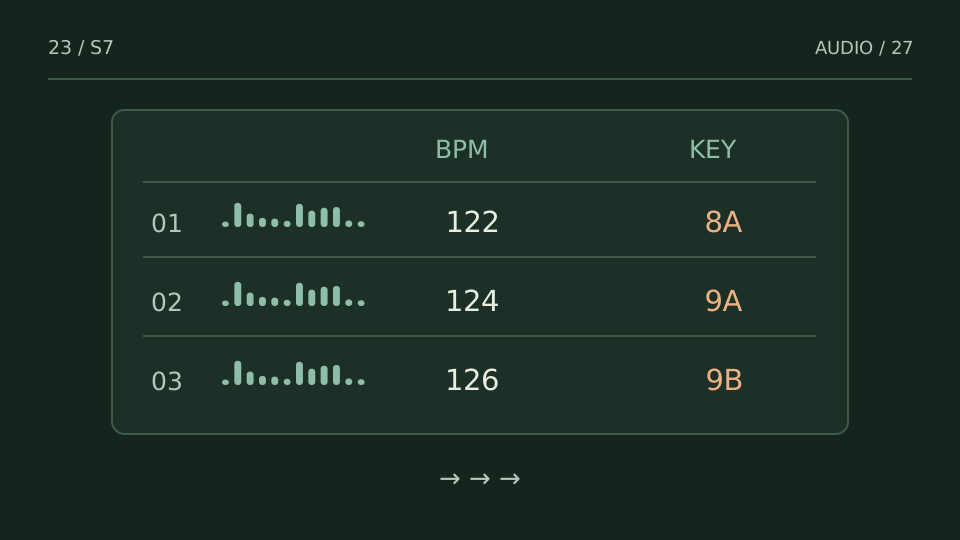
A set sheet should answer quickly: which version comes next, where it enters and what alternative is available. A title list is not enough when similar files start differently.
A practice case
You planned the extended version and loaded the radio edit
Practice case: your note says enter after 32 bars. The loaded file is a short edit and its vocal arrives earlier than expected. BPM may be identical; structure changed. The sheet must identify the exact version, not just the song name.
Record title, version, working tempo, entry, exit and a brief cue note. A note such as vocal enters at 17 or exit before breakdown is more useful during playback than a long description. Include an alternative for a moment when the context calls for a shorter or longer passage.
Choose a test from what you hear
| You notice | Try this |
|---|---|
| Two versions share a title | Add version and duration to distinguish them. |
| A transition relies on a precise event | Record the entry and what to listen for. |
| The sequence cannot accommodate change | Prepare at least one alternative exit. |
Bring it into your session
One pass, with a clear objective
0 / 4
Checks stay on this page and are not sent anywhere.
When to stop
You can understand the next action at a glance and know what to do if the sequence needs changing.
Quick diagnosis and decision protocol
Check first
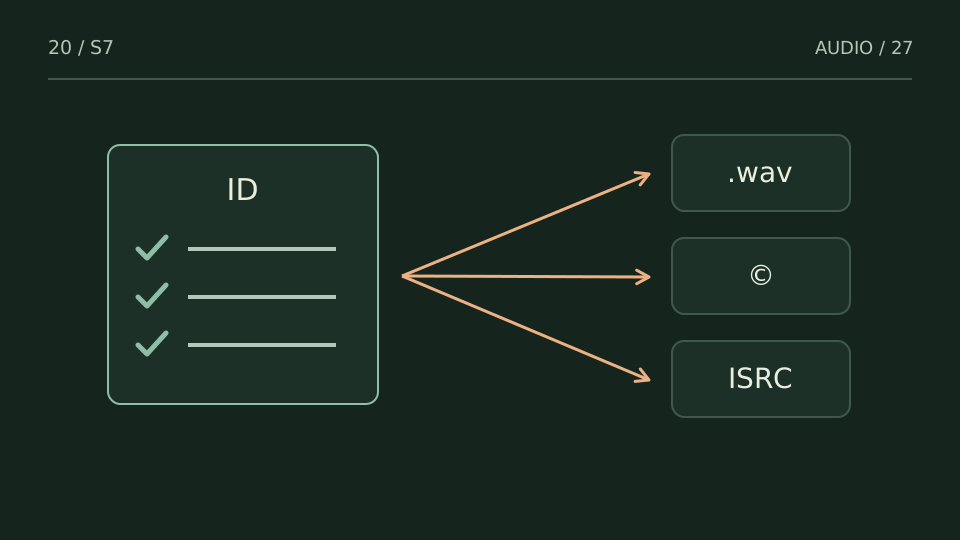
- Use exact file and version names.
- Mark transitions that need manual attention.
- Flag fallback tracks or alternate routes.
Then decide
- Freeze a performance copy before the show.
- Keep notes short enough to read under pressure.
- Update the canonical list after rehearsal changes.
Measurement boundary
Operational notes should reduce decisions during performance, not create another interface to manage.
Watch out for this: A beautiful set list with ambiguous filenames is still operationally weak.
Try it with your own audio
Choose the free tool that fits your task. You do not need to buy a plugin to use the guide.
Open the free tools →